Accessing Cybersecurity Awareness Training for Texas in KnowBe4
Last updated: Aug 12, 2026
400
views


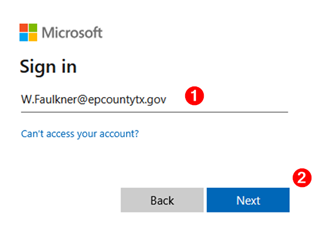
In any browser, navigate to Office.com and enter your full County email address. Click Next.
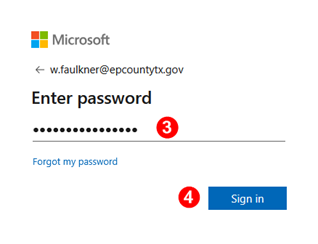
Enter your password. Click Sign In.
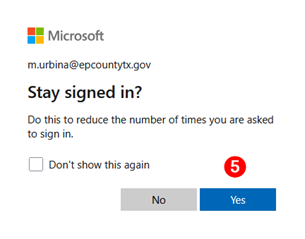
When prompted to stay signed in, select Yes.
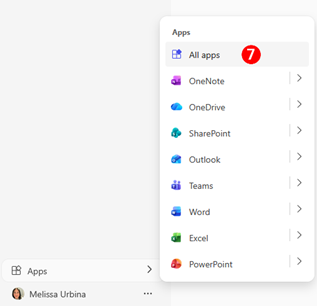
In the Navigation Bar on the bottom left, right above your avatar, you will see Apps. Click on Apps.

Select All Apps
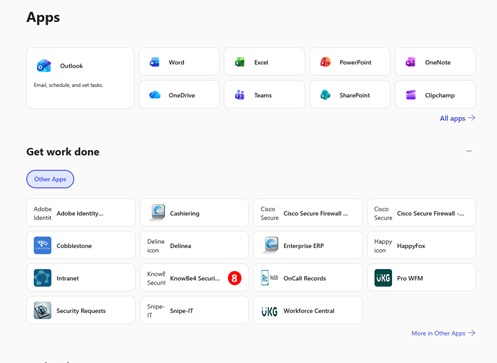
KnowBe4 is available in Other Apps. Click on the link to the app.
In KnowBe4, you will land on your dashboard page. On the Dashboard, you will find a Training section. Click on Go to Training.
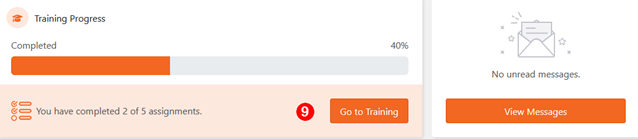
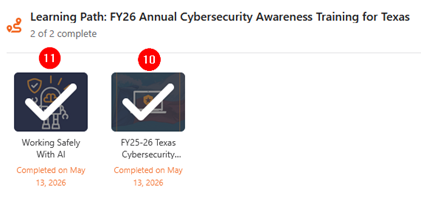
The FY25-26 Texas Cybersecurity Awareness Training and the Working Safely with AI are located here. Click on each to complete. Please note the image below is for sample purposes and will not appear as completed until you complete the training.