


ENTERPRISE JUSTICE – CHANGING REALMS
Last updated: Mar 05, 2026
1151
views


For new users and/or new computers the following process will switch Enterprise Justice Realms
First Open Enterprise Justice
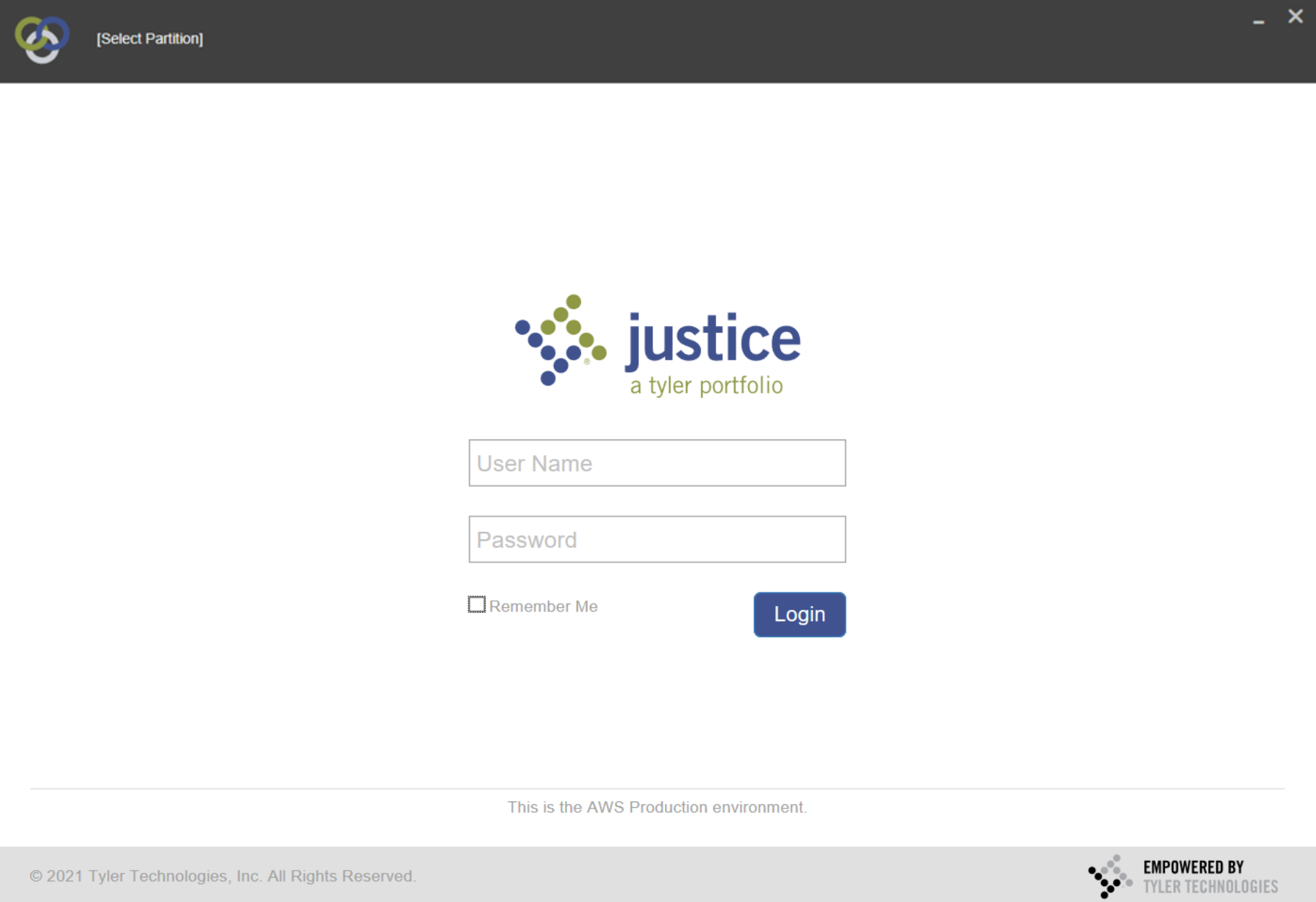
In the top left you will see 3 rings along with Select Partition


Click either Select Partition or the three Rings, you will now see the listing of Odyssey Realms
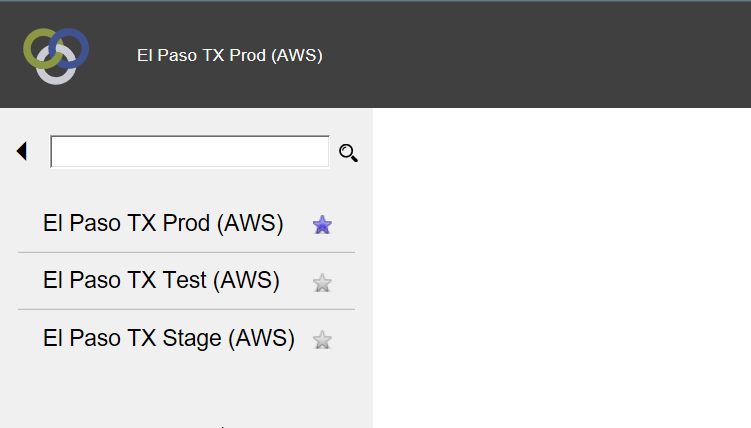
Click the Realm you wish to access
Please Note:
El Paso TX Stage (AWS) and El Paso TX Test (AWS) are the testing Realms
El Paso TX Prod (AWS) is the Live Data Realm
Once you click the Realm you will see it appear
(Pro Tip: You can also select the star ⭐ to the right of the realm to make it a Favorite.)
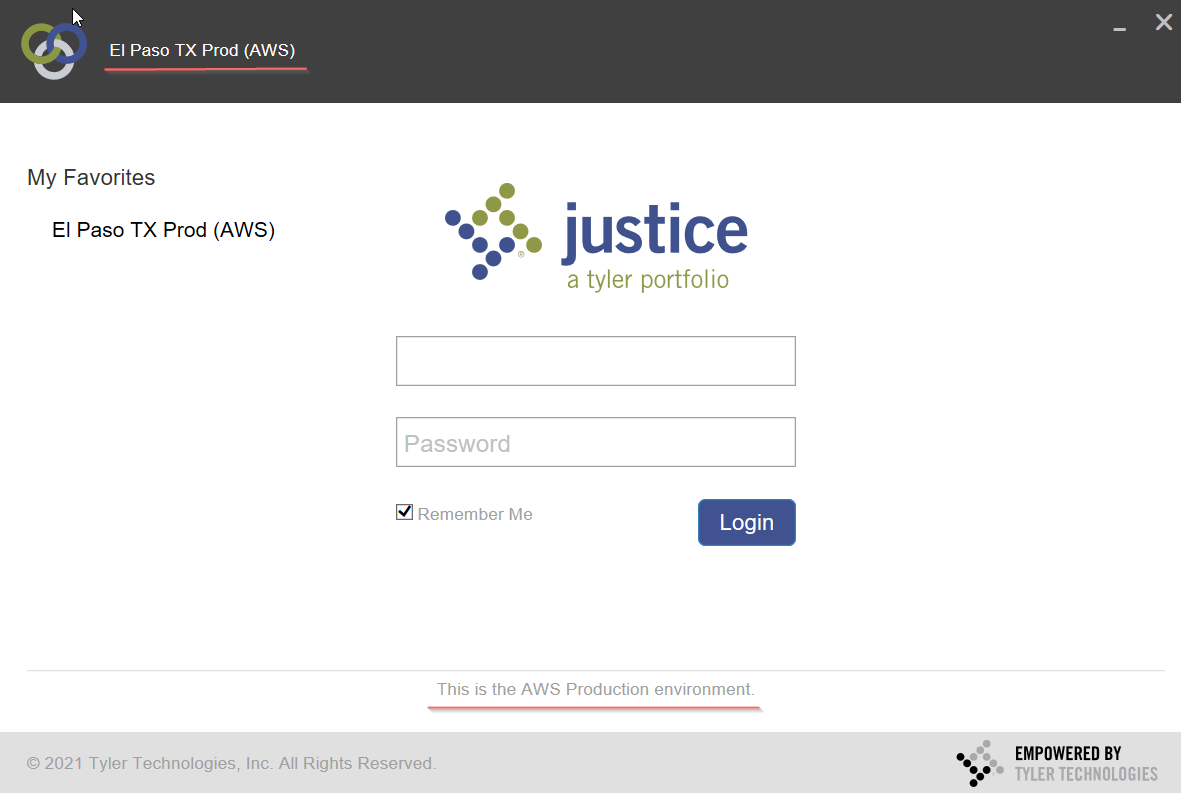
You will now be able to log into the selected Realm.

